Emoji Battery Icon
Your battery indicator gets a face — a cat, a mascot, a mood — that lives right in the status bar.
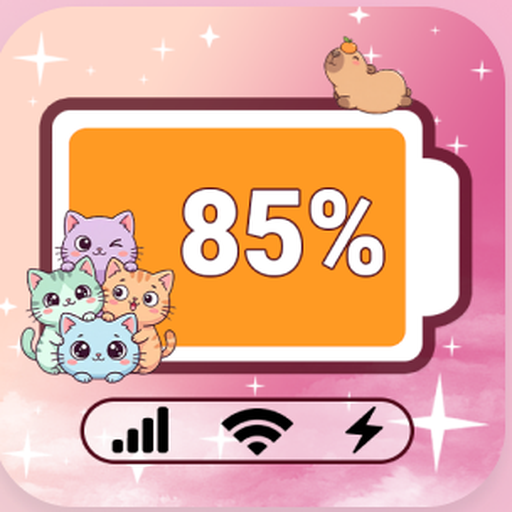
Turn your status bar into an emoji battery icon. Pick a theme, customize every icon, and it all stays on your device. No sign-up, no photos — pick a theme, style every icon, done.
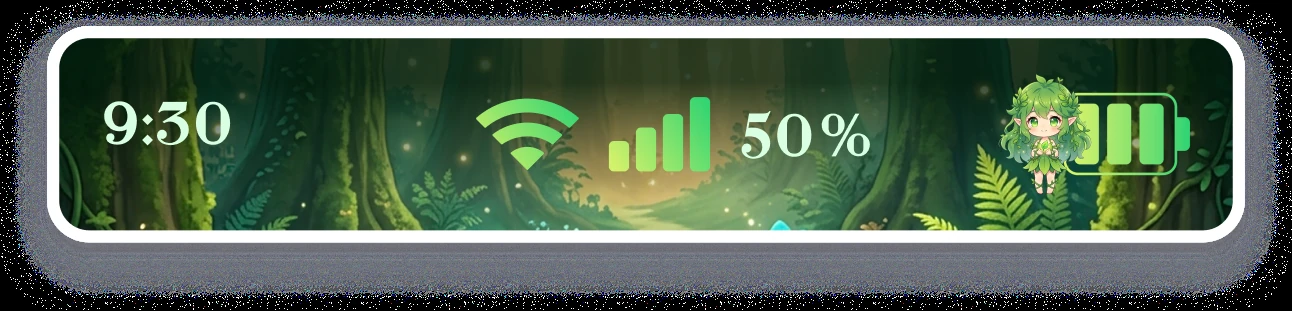
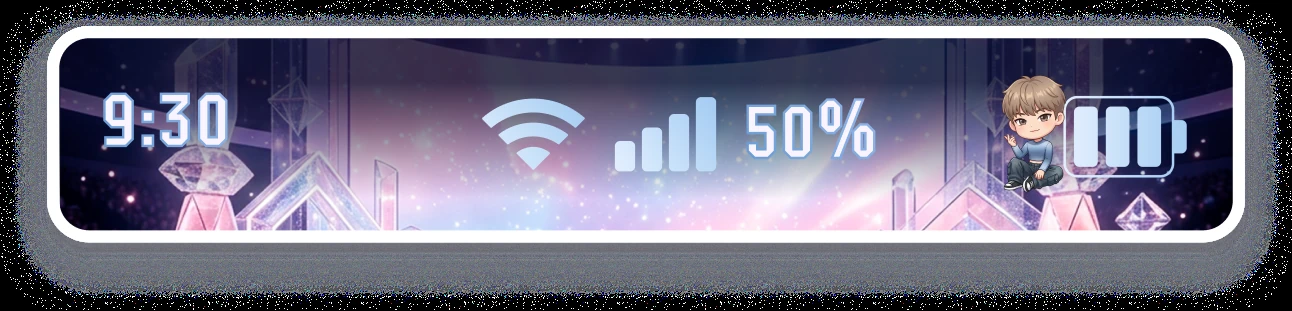
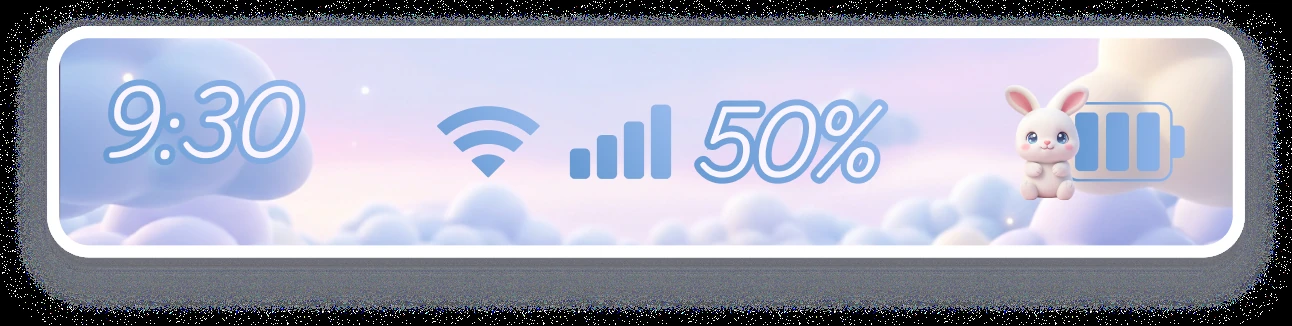
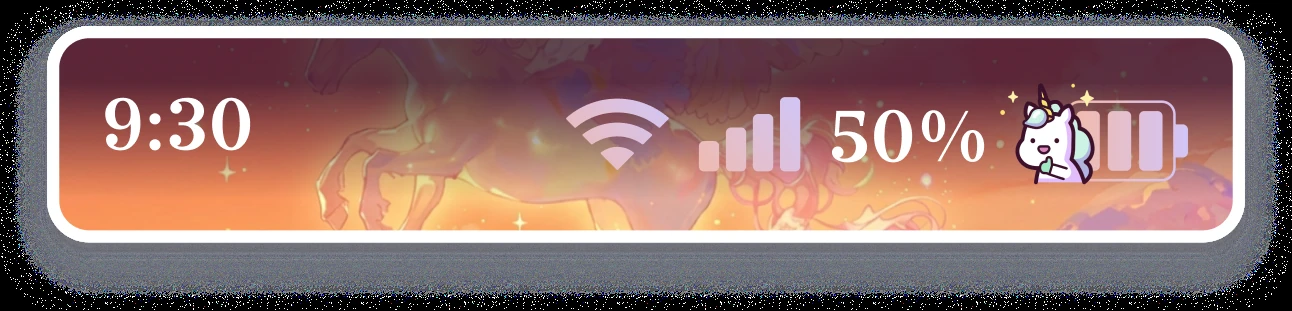
Every theme restyles the battery, the icons and the background together.
Features
A theme gallery, per-icon customization, and it all stays on your device.
Your battery indicator gets a face — a cat, a mascot, a mood — that lives right in the status bar.
Anime, Kpop, Cute and Gradient — curated skins that restyle the battery, the icons and the background together.
Battery, Wi-Fi, signal, mobile data, time and percentage — style each one on its own, or apply a full theme at once.
Charmoji never touches your photos, videos or files. Every customization is rendered and stored locally on your phone.
Every theme and every customization tool is free, supported by ads. An optional purchase only removes them.
Pick a look, hit Save, done. No configuration, no restart — your new status bar shows up immediately.
How it works
Browse Anime, Kpop, Cute and Gradient skins, or start from a blank canvas in Customize.
Set the battery emoji, icon colors, background and layout for the status bar, notch, Wi-Fi, signal, data, time and percentage.
Tap Save and your new look is live — nothing to configure, nothing leaves your device.
FAQ
Yes. Every theme, every emoji style and every customization tool — Status Bar, Notch, Wi-Fi, Signal, Data, Time and Percentage — is free and supported by ads. There is one optional purchase, and its only effect is to remove ads.
No. Charmoji does not access, collect or process any photos, videos or personal media files stored on your device. Every customization — the theme, icon pack and layout you pick — is rendered and stored entirely on your phone.
Charmoji uses Android's Accessibility Service to redraw specific status bar elements — for example, applying your chosen emoji to the battery percentage. That service only reads the values it needs to draw those elements, such as the current battery level, connectivity state or clock time. It does not read notification content, on-screen text or your activity in other apps.
Theme (a full curated skin), Status Bar background, Battery icon and color, Emoji style, Notch area, Wi-Fi icon, Signal icon, Mobile Data icon, Time format and Battery Percentage display.
Store essentials
Publisher details and the legal documents linked from inside the app.
Free to use, every theme unlocked. The optional purchase only removes ads.